Recovery
Overnight HRV, resting heart rate, sleep quality, and recent load are read against your baseline.
WHOOP alternative · Apple Watch recovery app
Body Insights reads the Apple Watch data you already collect and turns recovery, strain, sleep, and energy into one plain-language morning read.
iPhone + Apple Watch. Free for core features. No second band.
Use Apple Watch like the sensor strap, then open Body Insights for the recovery read.

WHOOP gets something important right. A single workout number is not enough. Sleep, HRV, resting heart rate, recent strain, and your own baseline all change what your body can hold today.
If you already wear an Apple Watch, much of that raw signal is already being written to Apple Health. The missing piece is the read back.
Body Insights does not replace the sensors in your watch. It translates them into a daily answer you can use.
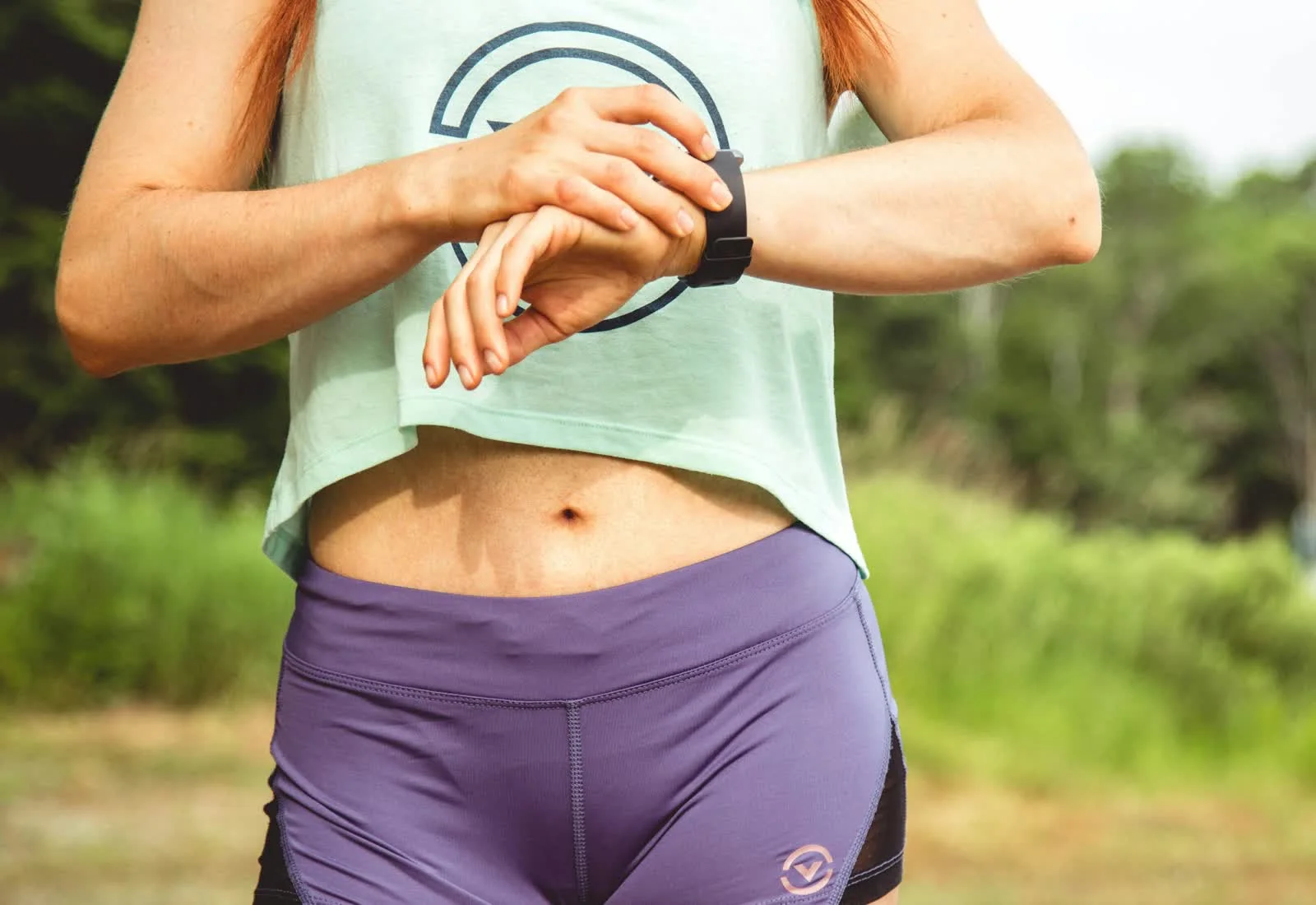
Apple Watch can track heart rate, HRV, sleep, workouts, VO2 max, resting heart rate, and effort. Body Insights reads those signals from Apple Health and turns them into context.
Overnight HRV, resting heart rate, sleep quality, and recent load are read against your baseline.
Workout stress and training load show how much the last few days cost, not just what you did today.
Sleep is read as recovery input, not a separate score you have to interpret on your own.
The morning read folds your physiology into a practical call: more, moderate, or take it slow.

Most recovery products are shaped around training cycles. That works when your body behaves like a training plan. It breaks when energy varies because of post-illness recovery, hormonal shifts, chronic illness, work stress, or a week of poor sleep.
Body Insights is built around variable baselines. It looks for what changed in you, then explains the day in plain language.
"Today has more in it." "Keep it moderate." "Today, take it slow."
If you are comparing options, this is the simple version.
| WHOOP | Apple Watch alone | Body Insights | |
|---|---|---|---|
| Device you wear | WHOOP band | Apple Watch | Apple Watch |
| Extra strap required | Yes | No | No |
| Recovery read | Built in | Limited across separate views | Plain morning read |
| Strain and training load | Built around strain | Raw workouts and trends | Training-load context from Apple Health |
| Sleep, HRV, resting heart rate | Read by WHOOP | Tracked by Apple Watch | Translated into recovery context |
| Where the data lives | WHOOP ecosystem | Apple Health | Apple Health and on your iPhone |
| Core insight cost | Membership model | Included with Apple Watch | Free for core features |
| Best fit | You want WHOOP's own band, app, and membership | You want raw health and workout data | Apple Watch users who want the watch to act as the sensor strap |
WHOOP is still better if you want WHOOP's own hardware, app, and membership model in one closed recovery system.
It is not better because it is screenless. An Apple Watch can be worn the same way for this use case: screen off, Airplane Mode on, collecting Health data only.
Body Insights is for that buyer: use Apple Watch as the sensor strap, then open iPhone for the recovery read from Apple Health. No second band just to understand recovery.
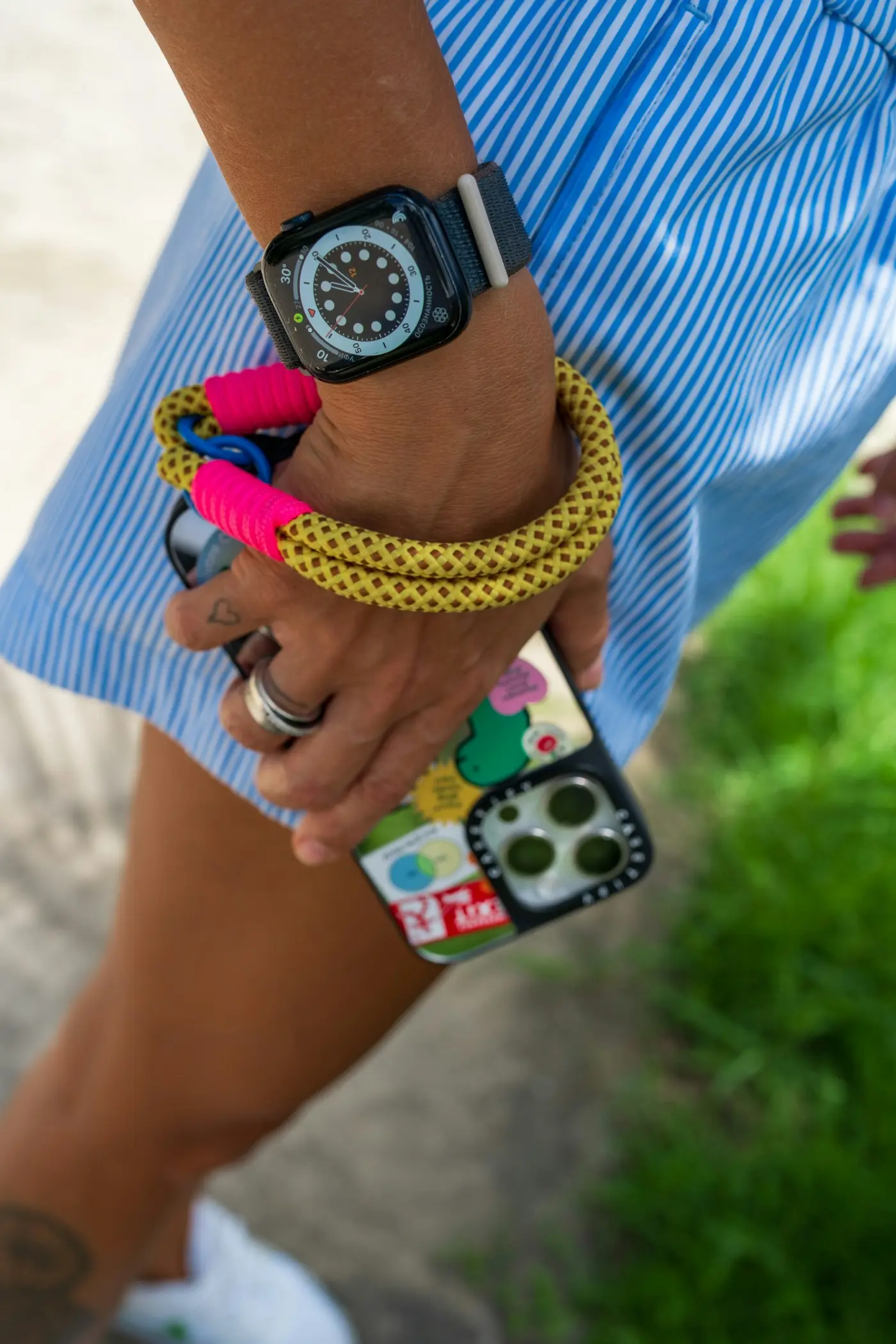
Often, yes. You can use Apple Watch as the sensor strap: screen off, Airplane Mode on, collecting Health data. Body Insights turns that data into recovery and training-load guidance.
Apple Watch tracks workouts, heart rate, effort, and activity. Body Insights reads that data from Apple Health and adds training-load context.
It turns Apple Health data into plain-language readiness, strain, sleep, stress, and energy context so you do not have to compare raw charts.
No. Body Insights uses data from iPhone, Apple Watch, and Apple Health. No WHOOP strap is required.
No. It is useful for training, but it was also built for energy that changes with sleep, stress, chronic illness, recovery, or hormonal shifts.
Body Insights reads from Apple Health on your iPhone. No account is required and your health data is not sold.
Download Body Insights and get a clearer recovery read from Apple Health.